Free wedding budget calculator
See where every wedding dollar should go.
Enter your budget or your guest count and get a category-by-category plan to take to every venue and vendor. It takes about ten seconds.
- Free, no sign-up
- Nothing leaves your browser
- 13 categories
Your numbers
Your plan
How to split $30,000
These shares are common starting points, not rules. If photos or food matter most to you, move 5–10% toward that category and take it from the bottom of the list.
The Wedding Budget Planner
Then track what you actually spend.
A calculator gives you the plan. The planner keeps you on it: every quote, deposit and payment in one spreadsheet that flags overspending before it adds up.
The Budget tab, with sample numbers. Cream cells are yours to fill in; everything else calculates itself.
Budget
Estimated, actual and paid for all 13 categories. Over-budget lines turn red on their own.
Guests
RSVP, meal and table for each invitation, with live attending and awaiting counts.
Vendors
Contacts, quotes, deposits and due dates for everyone you hire.
Payments
Every due date in one list. Late payments are highlighted, and the next 30 days are totalled.
Checklist
A month-by-month timeline from 12 months out to the day itself.
The full kit
Want the whole wedding in one file?
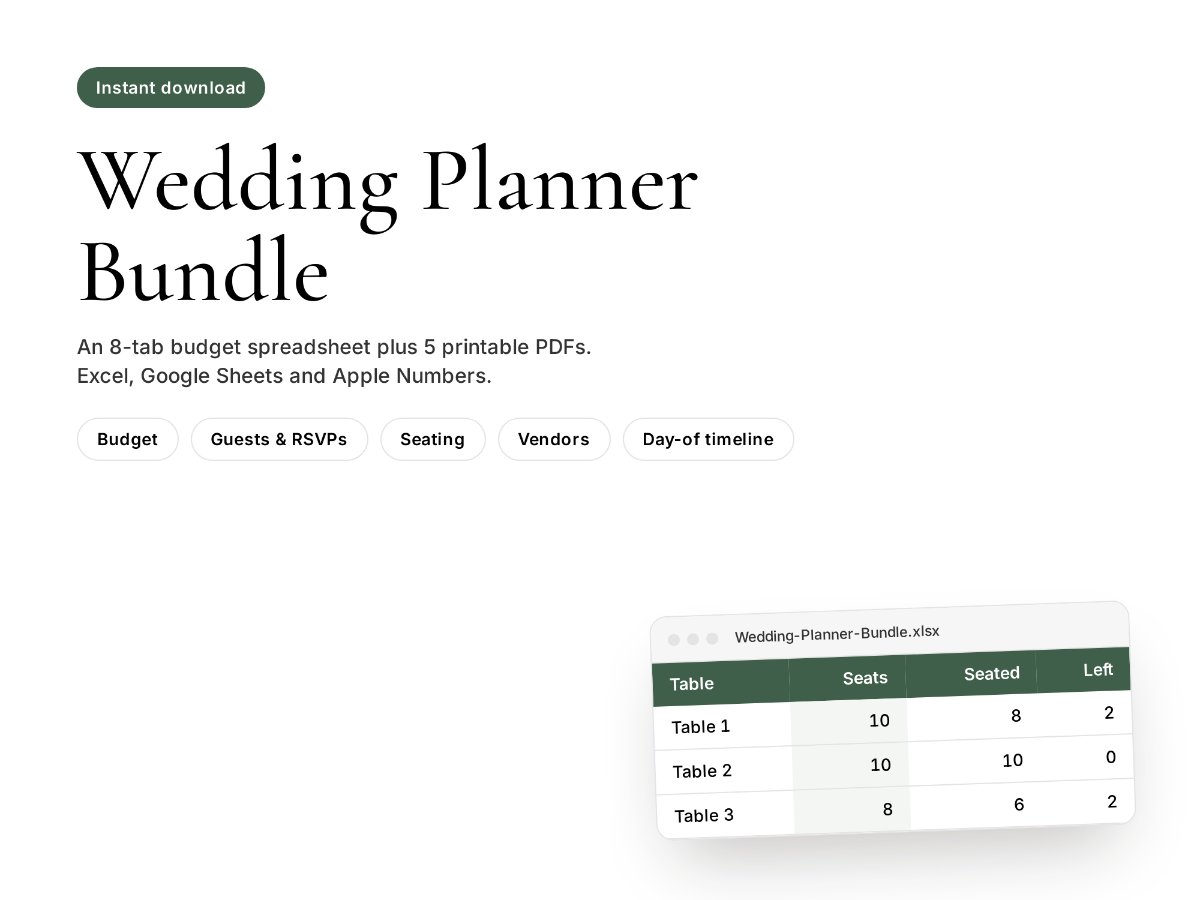
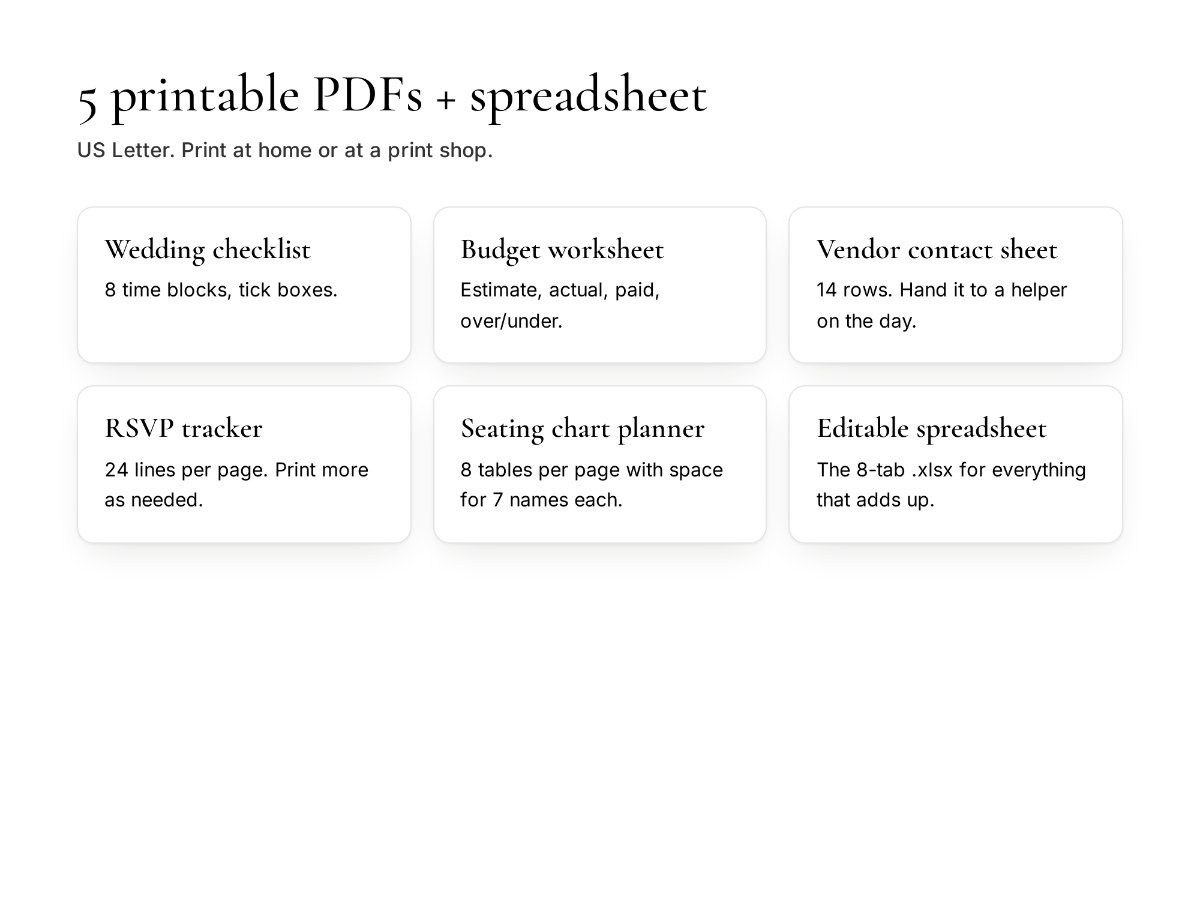
The bundle adds guests and RSVPs, a seating planner, vendors, payments and a day-of timeline to the budget sheet, plus five printable PDFs for the fridge or the binder.
- 8-tab spreadsheet (.xlsx) for Excel, Google Sheets and Numbers
- 5 printable PDFs: checklist, budget worksheet, vendor sheet, RSVP tracker, seating planner
- 30-day refund if it isn't for you
How it works
Set up in five minutes. Use it until the big day.
Download
The file arrives instantly after checkout and by email.
Enter two numbers
Type your total budget and guest count. Every category fills in.
Log as you go
Add quotes and payments as they come in. The sheet shows where you stand.
Questions
Wedding budget questions
How much does a wedding cost per guest?
Divide your total budget by your guest count. A $30,000 budget for 100 guests is $300 per guest. Venue and catering scale almost directly with headcount, so the guest list is usually your biggest lever: ten fewer guests at $300 each frees up $3,000.
What should we spend the most on?
Venue and catering usually take the largest share, often 40–50%. Photography comes next for most couples, because the photos are what lasts. Keep a buffer of 3–5% for the costs nobody plans for: alterations, extra rentals, tips and last-minute changes.
How do we set a wedding budget?
Start with what you, and anyone contributing, can pay without debt. Then switch the calculator to "cost per guest" to see whether your guest list fits. If the per-guest number looks low for the venues you like, trim the list or move money from lower-priority categories.
Does the planner work in Google Sheets?
Yes. In Google Sheets, choose File › Import and upload the .xlsx file. It also opens directly in Excel and Apple Numbers.
What if it's not what we expected?
Email within 30 days of buying and you'll get a full refund.
Know where you stand, every week until the wedding.
One spreadsheet for budget, guests, vendors and payments. $9, once.